Typing
Long instructions cannot keep up with thinking speed
VE Voice Command
Command AI work with your voice
Send voice to Claude Code / Codex sessions. Controls, status, and approvals stay at hand.
Listening
"Change this function and add a test."
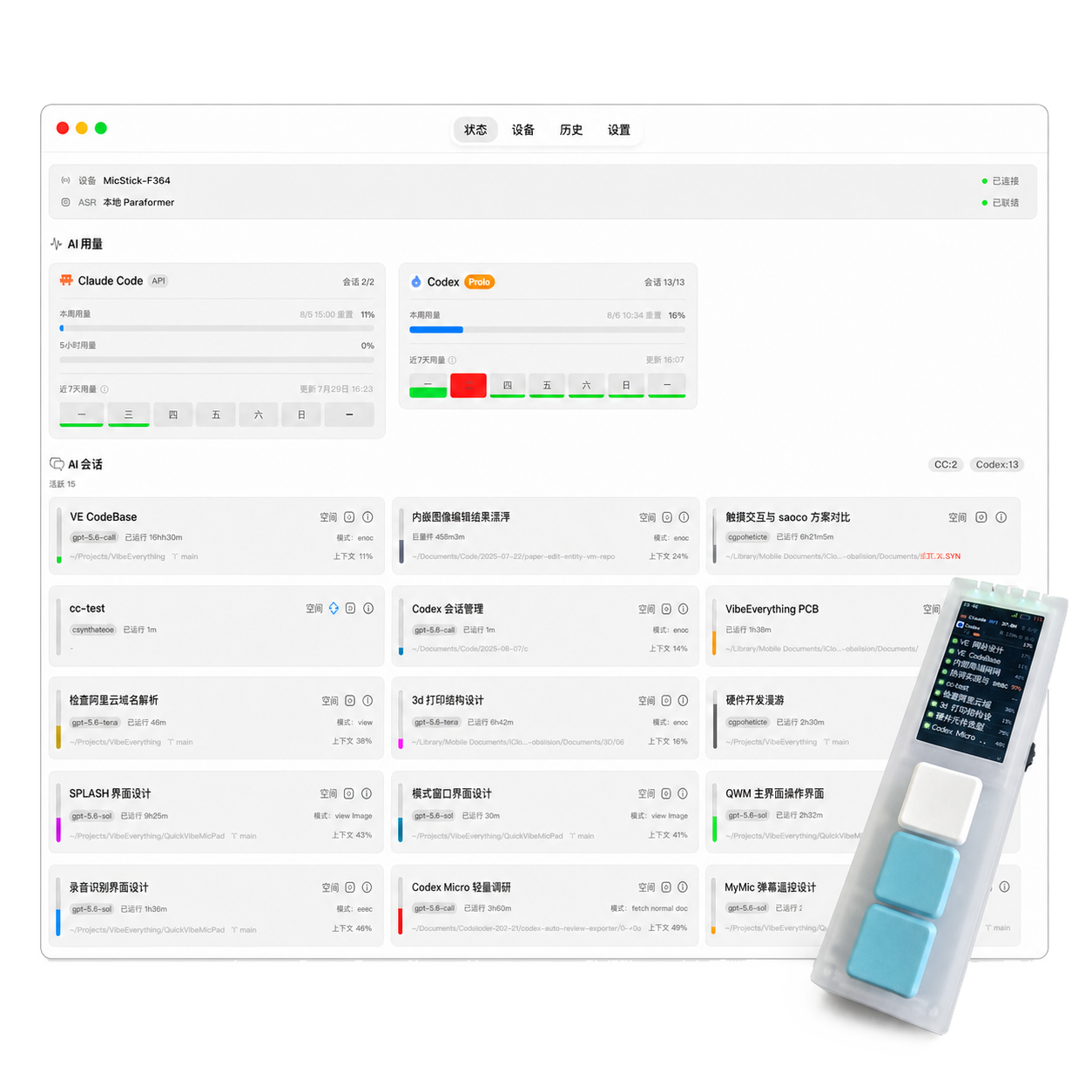
macOS 14+Apple Silicon
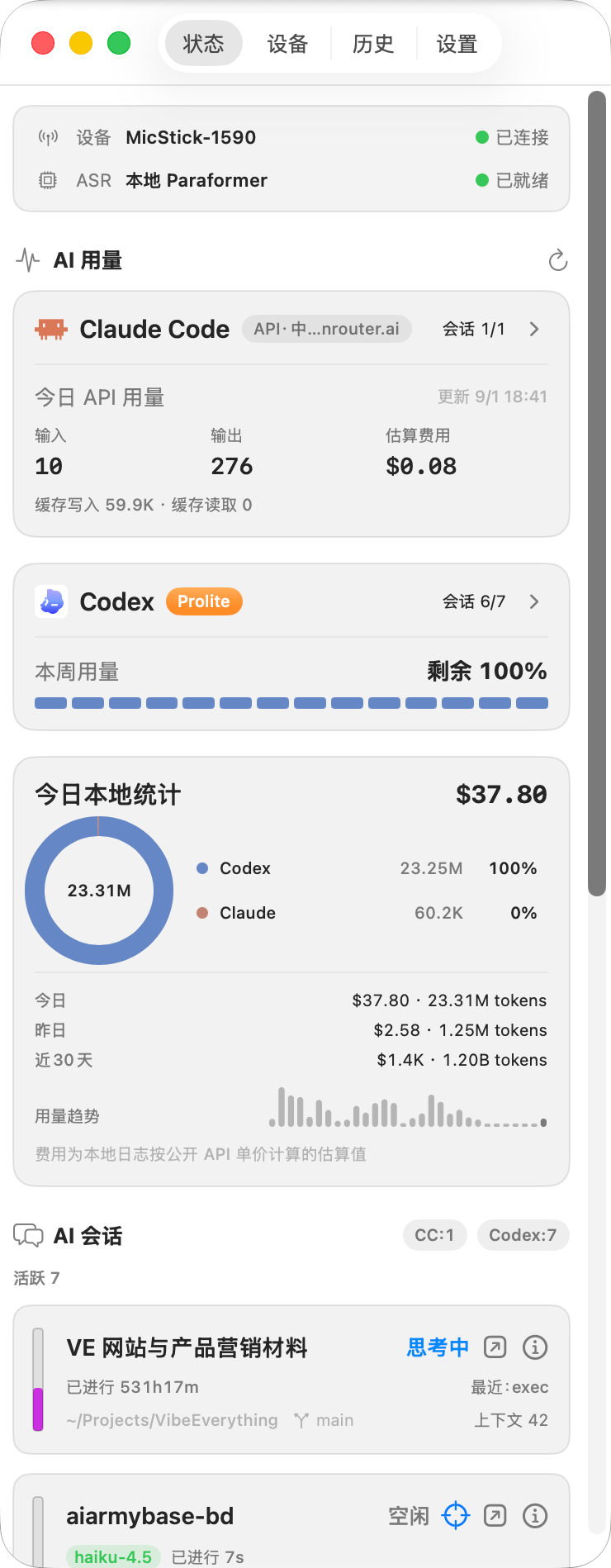
Claude Code + Codex + WorkBuddyDirect to work sessions
Local ParaformerPrivate voice recognition
Bluetooth connectionUpdate firmware over USB-C
The more AI can do, the easier it is to get interrupted.
Remove typing, switching, and waiting from the workflow.
Switching
Jumping between windows, terminals, and sessions
Waiting
When approval or errors appear, you have to find the right context again
One device connects the entire AI workflow
VoiceExpress ideas
SessionChoose a target
StatusTrack progress
ApprovalDecide quickly
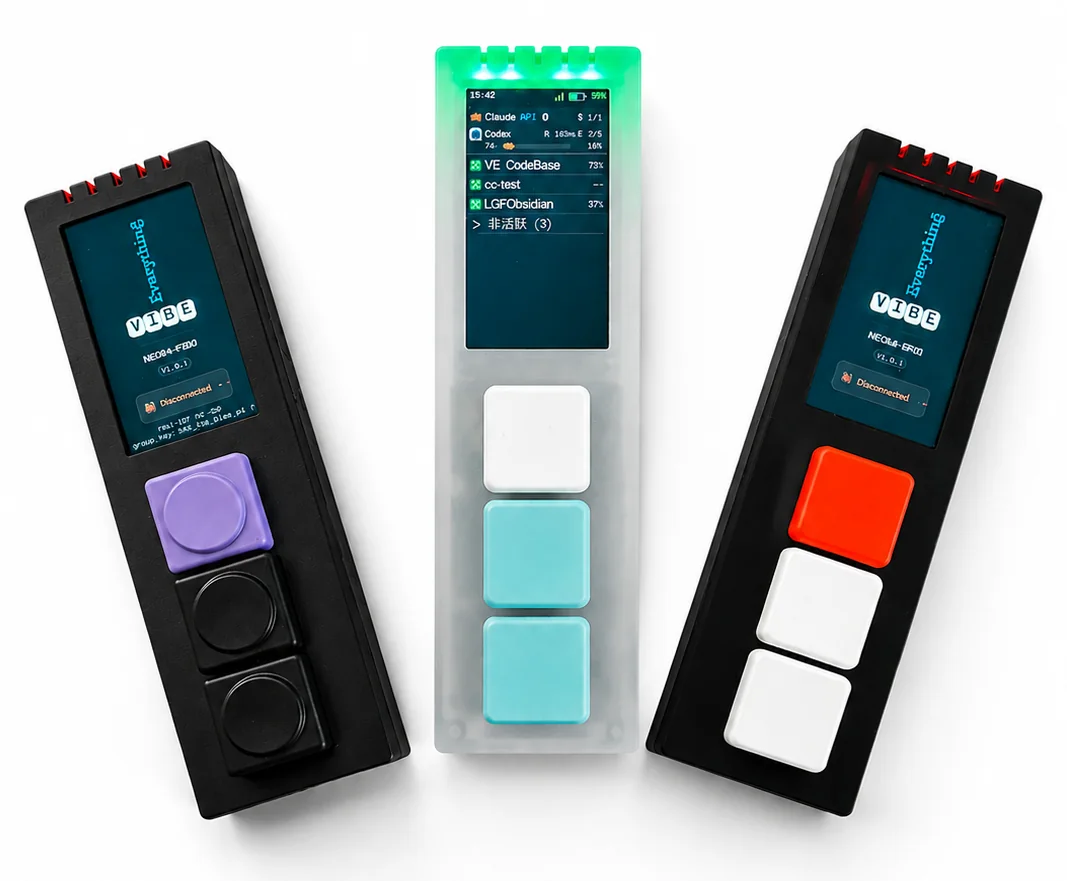
The device connects to Mac over Bluetooth. Mac handles connection and AI sessions; the device focuses on input and control.
Not another microphone, but a physical entry point to the AI workflow.Less switching. More control.
Voice, controls, and AI sessions—always at hand.
Voice goes to the chosen session
Hold to speak, release to send. Your words enter the chosen Claude Code or Codex session.
Multi-session status
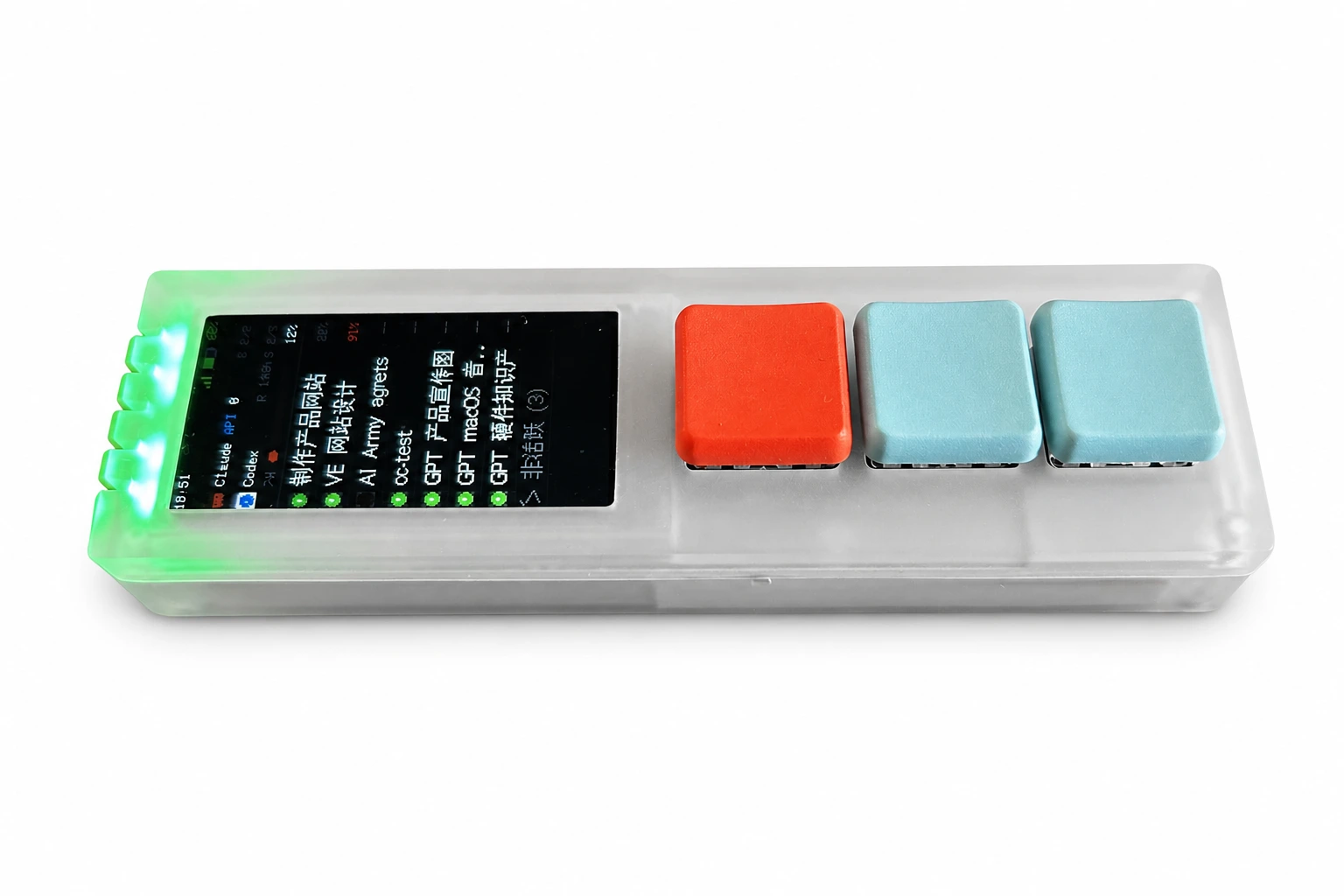
Screen and lights show recording, recognition, approval waits, and the active session.
Physical approvals
Confirm, cancel, and switch sessions with dedicated controls. Less keyboard juggling and window switching.
workflow status
Status at hand
Reduce the attention cost of repeatedly checking the terminal.
BlueThinking
GreenExecuting
RedError or failed
PurpleAwaiting approval
GrayInactive for a while
When approval arrives, the device alerts you
1AlertThe screen, lights, and sound signal a new approval request
2ReviewReview the tool and parameter summary on the device
3ActUse physical buttons to allow, reject, or open the request
Send ideas into work already in motion
Enter a conversation in one sentence
No need to compose a complete prompt. Start talking and add detail as you work.
Local first
Mac handles connection and sessions. Voice recognition runs locally.
Don't steal the spotlight
Choose a target session and keep sending voice there without switching windows.
Hardware console
Three mechanical keys, a 170 × 320 color display, a digital microphone, and Bluetooth keep status and approval information in view.
Connect. Choose. Speak.
Input modes
Hold to speak, release to send
For editing instructions, adding requirements, and quick confirmations.
Press once to start, press again to stop
For describing requirements, plans, and context in full.
Workflow
Get into your AI session in three steps.
1
Connect your device
Install QuickVibeHost. Connect your device.
2
Select session
Choose a Claude Code or Codex session.
3
Speak your command
Release to send. Keep coding.
Explore the product in depth
Read the 16-page product brochure for hardware, status, approvals, and recognition modes.
Chinese · 16 pages
Download the product brochure PDF
Already have the device? Update firmware
Connect over USB-C and update firmware in the Chrome / Edge desktop browser.
WorkBuddy support and setup
The full WorkBuddy experience requires QuickVibeHost 2.8.0 and MicStick V14 1.2.3. The app detects local WorkBuddy sessions, activity and credit records, and distinguishes running from waiting. Credits are not a live account balance or Token quota; this integration does not use an official cloud API.
Install and open WorkBuddy, select a session in the app to jump to it, then confirm the input field has focus before using normal voice input. WorkBuddy does not support vibepty direct input.
Device approvals are off by default. Enable the local plugin in app settings, then fully quit and restart WorkBuddy. The plugin handles Bash PreToolUse and PermissionRequest. The device supports allow once or deny once, not always allow for a session. Disconnects, timeouts or unavailable approvals fall back to the native flow; they are never automatically approved.
WorkBuddy scene controls include previous/next task, new task, quick question, results panel and stop task. They depend on WorkBuddy shortcuts and macOS Accessibility permission; older devices fall back according to their capabilities. Claude Code, Codex CLI and Codex Desktop retain their distinct input capabilities.